NATIVE PERFORMANCERust + GPUI
Rust + GPUI
Built native
Launch light and edit smoothly. Preview, outline, and statistics are cached by document version, so even complex files stay responsive.
 Markion
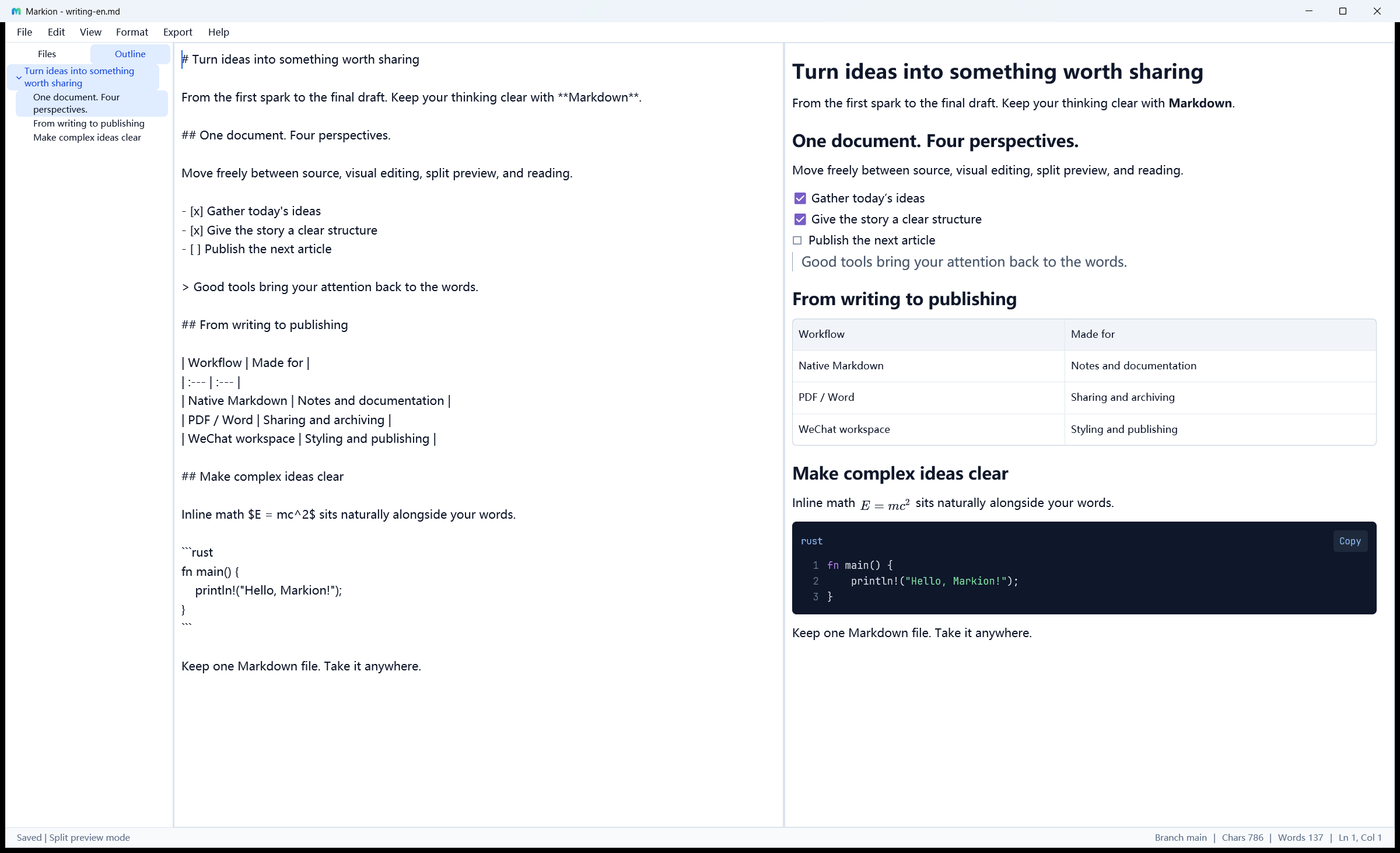
Markion is a native desktop editor built with Rust and GPUI. Move freely between source, visual editing, and live preview—so the tool fades back and your ideas move forward.
No Electron, Tauri, or WebView.
Just a fast, lightweight, predictable writing tool.
As precise as writing code, as natural as writing prose. Switch views without losing your document, cursor, selection, or undo history.
Keep source and preview side by side. Enable position-aware sync scroll in Preferences.
Each capture shows the same sample document. Use Cmd instead of Ctrl on macOS.
From workspaces to export, equations to interface languages, Markion brings professional power into a calm, clear experience.
Launch light and edit smoothly. Preview, outline, and statistics are cached by document version, so even complex files stay responsive.
Drag files or folders to move them, copy absolute or relative paths, and keep open tabs mapped to their new locations. Window bounds, sidebar width, and split ratio return on the next launch.
Edit rendered content and table cells directly. Use slash commands, block reordering, natural blank lines, and content-aware table columns.
Preview GFM tables, task lists, footnotes, emoji, images, syntax highlighting, Mermaid diagrams, and mathematical notation as you write.
Choose from 14 built-in themes and 7 languages. Set source, reading, and code fonts, font sizes, and paragraph spacing in Appearance.
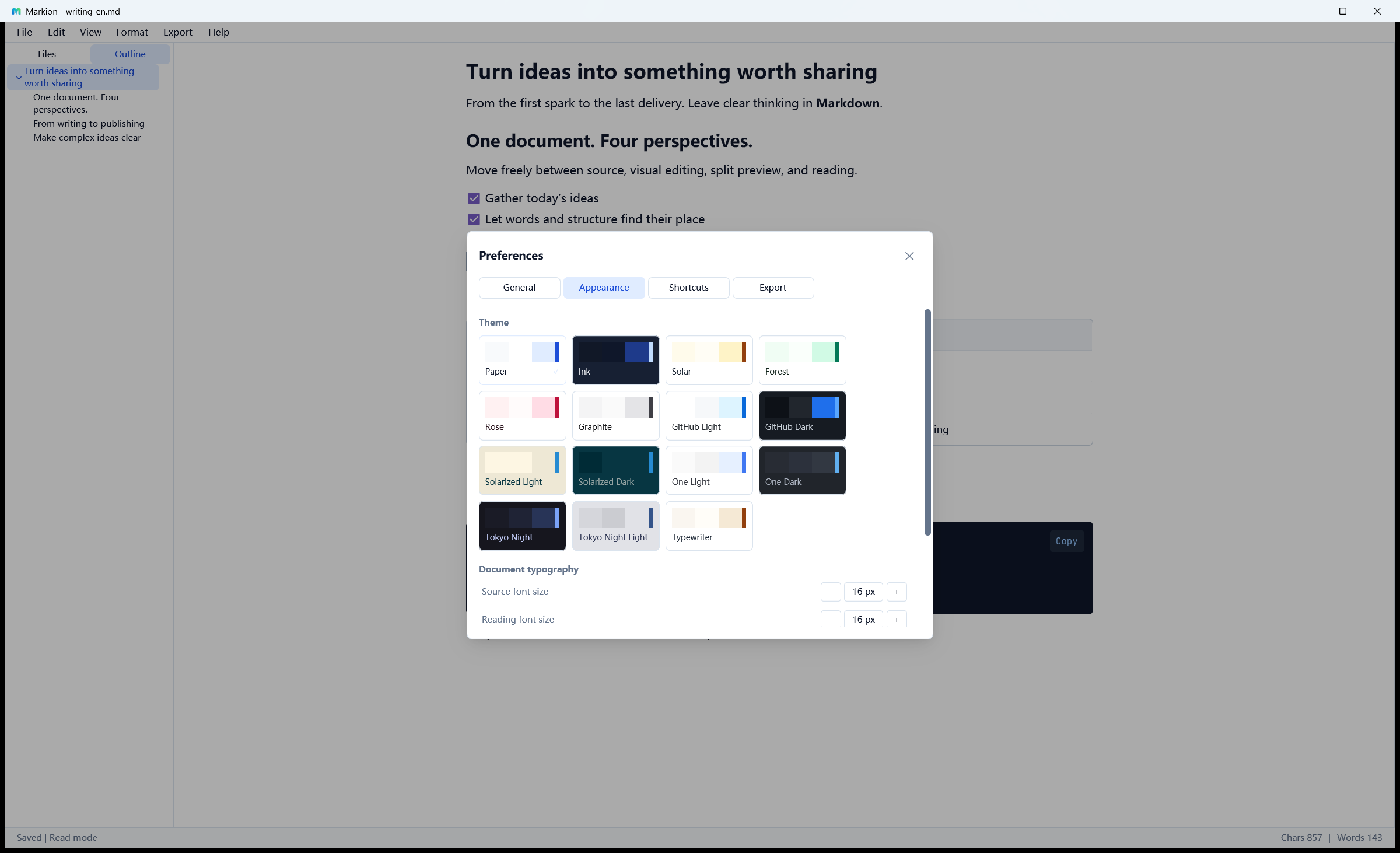
Export with built-in PDF / DOCX by default, or choose Pandoc. PNG / JPEG create layout snapshots of text, tables, code, and images.
Open the local MarkNice workspace. Choose from 15 themes, adjust typography, and switch between desktop and phone previews.
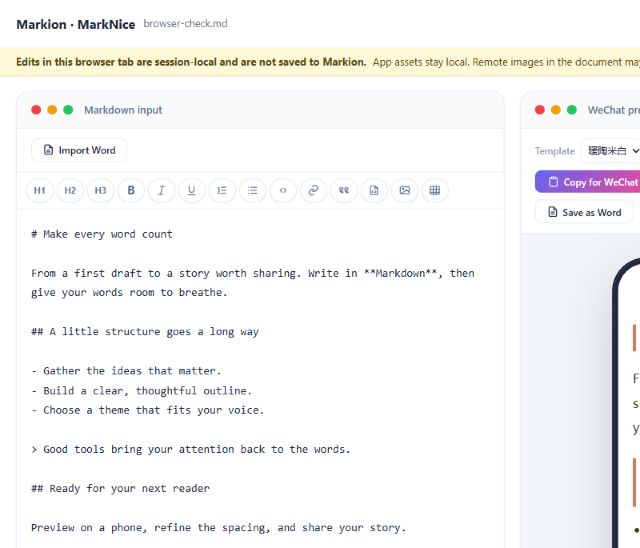
Import Word, copy Markdown, save HTML or Word, or print the themed preview to PDF. Browser edits stay in the current session.
Explore the WeChat workflow ↗Local images require separate handling when copying to WeChat. Browser edits do not automatically update the original document.
Standard Markdown is the only data format. Atomic writes, autosave, recovery snapshots, and external-change detection quietly protect every edit.
Save changes before closing. Untitled documents ask for a destination.
Discard changes explicitly and retire their recovery snapshots.
Keep your documents open and carry on writing.
Recent releases refine the details of everyday writing, editing, and sharing.
Version details and platform installers are synchronized. See the official release notes for the complete changes.
Read the release notes ↗Drag files and folders to move them, copy absolute or relative paths, and restore window bounds, sidebar width, and the split ratio after relaunching. The About dialog adds a GitHub star invitation with a one-click link.
Read the release notes ↗Expanding base64 image source no longer freezes the UI, while long data URIs collapse into compact, atomically editable placeholders in Visual Edit.
Read the release notes ↗v0.5.1START WRITINGMarkion is free, open source, and available across all three major desktop platforms.
Release builds are not platform code-signed, so installation may show a security prompt. The macOS package supports Apple Silicon only.
All releases and release notes ↗